
The CMD Conundrum
Overview
Room URL: https://tryhackme.com/room/adventofcyberpreptrack
Difficulty: Easy
Category: Prep
Date Completed: 12/1/2025
Objectives
Table of Contents
Introduction
Walk Through
Lessons Learned
Resources
Introduction
McSkidy's workstation shows signs of tampering—suspicious files have been moved, logs wiped, and a mysterious folder named mystery_data discovered. Using the Windows Command Prompt, you must investigate the system and uncover hidden evidence that the graphical interface cannot reveal.
Useful Commands
dir equivalent to the ls command on linux
dir /a equivalent to the ls -a command on linux
type equivalent to the cat command on linux
Walk Through
- Click view site to open the emulated windows terminal
- use
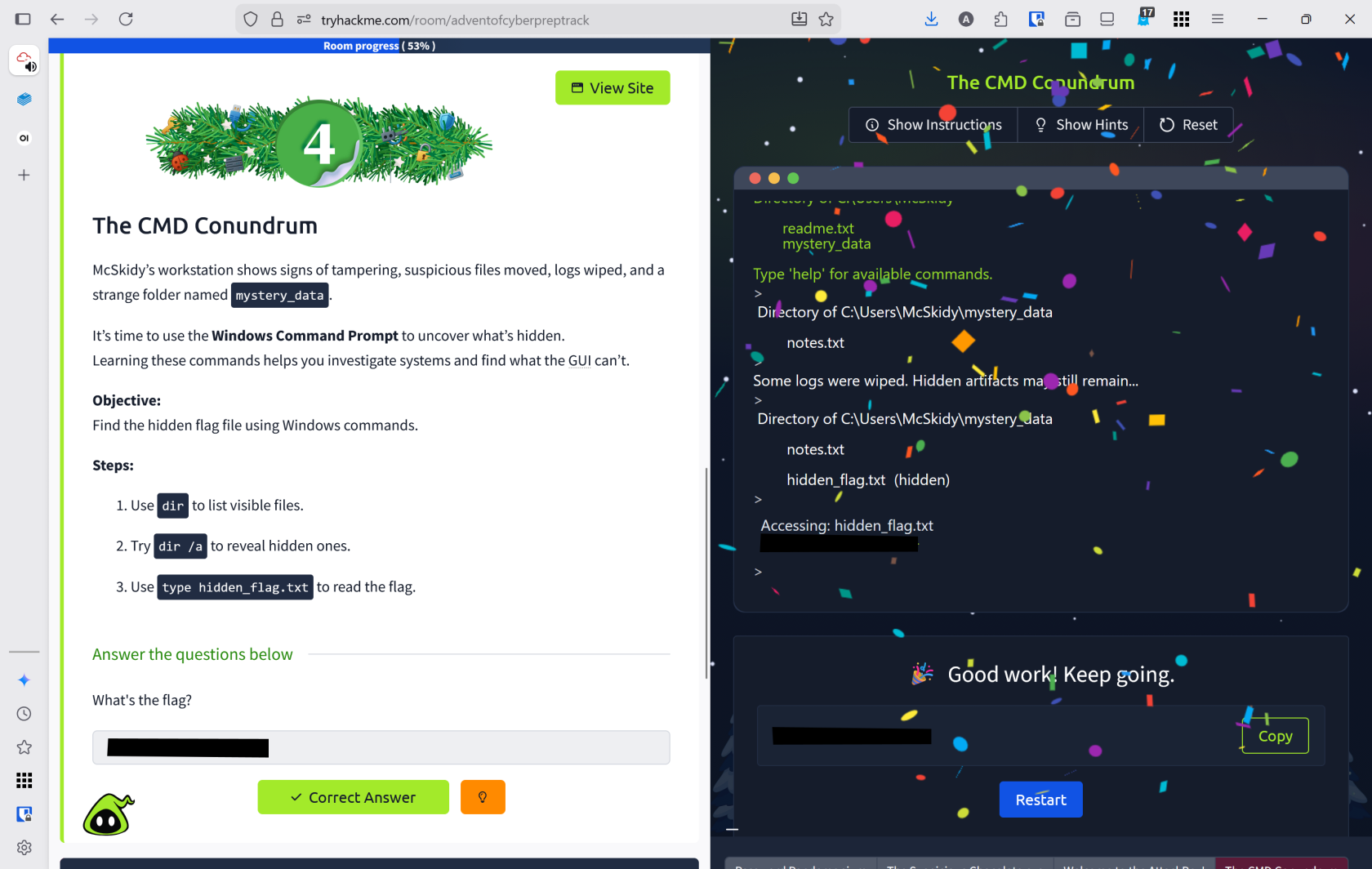
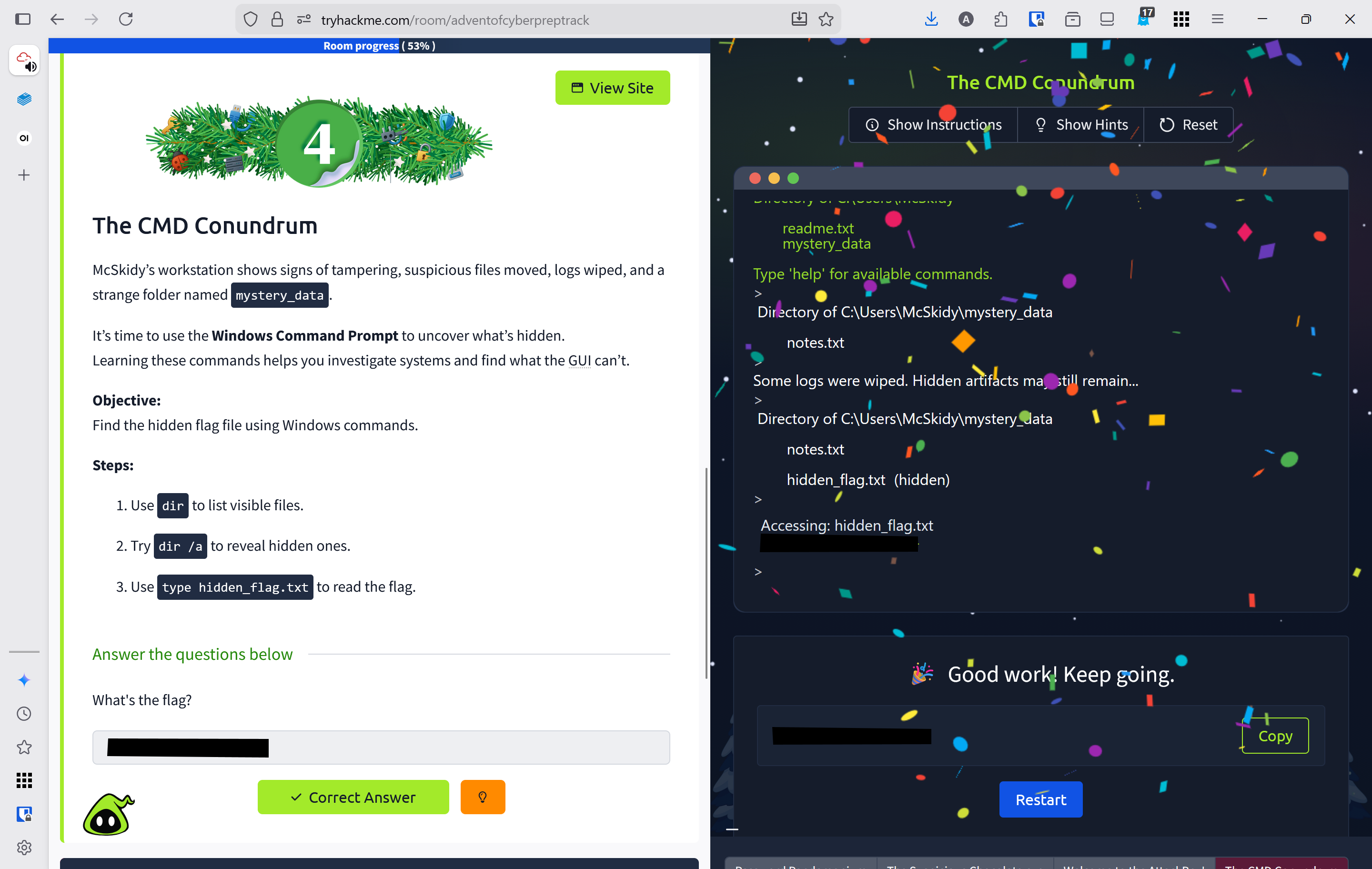
dirto view files and directoriesdirshowed 1 file and 1 directoryreadme.txtmystery_data- This is directory
type readme.txt- "System shows signs of tampering. Investigate the mystery_data folder"
cd mystery_datato change directoriesdirshows `notes.txttype notes.txt- "Some logs were wiped. Hidden artifacts may still remain..."
dir /ato show all files including hidden ones- found
hidden_flag.txttype hidden_flag.txtto reveal contents
Lessons Learned
- Learned Windows Command Prompt equivalents:
dir(list files),dir /a(show hidden files), andtype(view file contents) - Successfully investigated McSkidy's compromised workstation by navigating directories and uncovering hidden artifacts that revealed tampering evidence