
The Bunny’s Browser Trail
Overview
Room URL: https://tryhackme.com/room/adventofcyberpreptrack
Difficulty: Easy
Category: Prep
Date Completed: 12/1/2025
Objectives
Find the unusual User Agent in the HTTP log.
Table of Contents
Introduction
Walk Through
Lessons Learned
Resources
Introduction
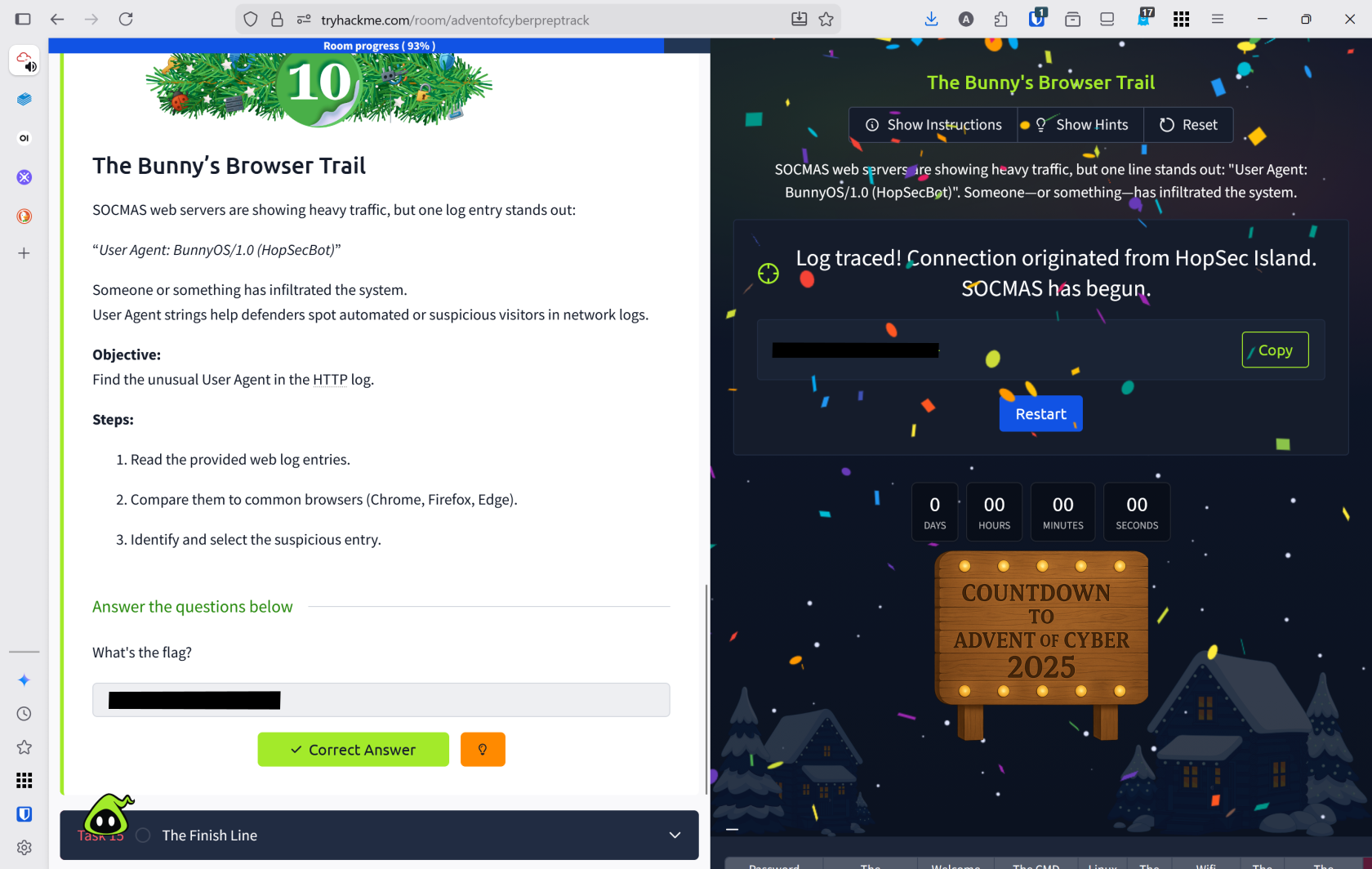
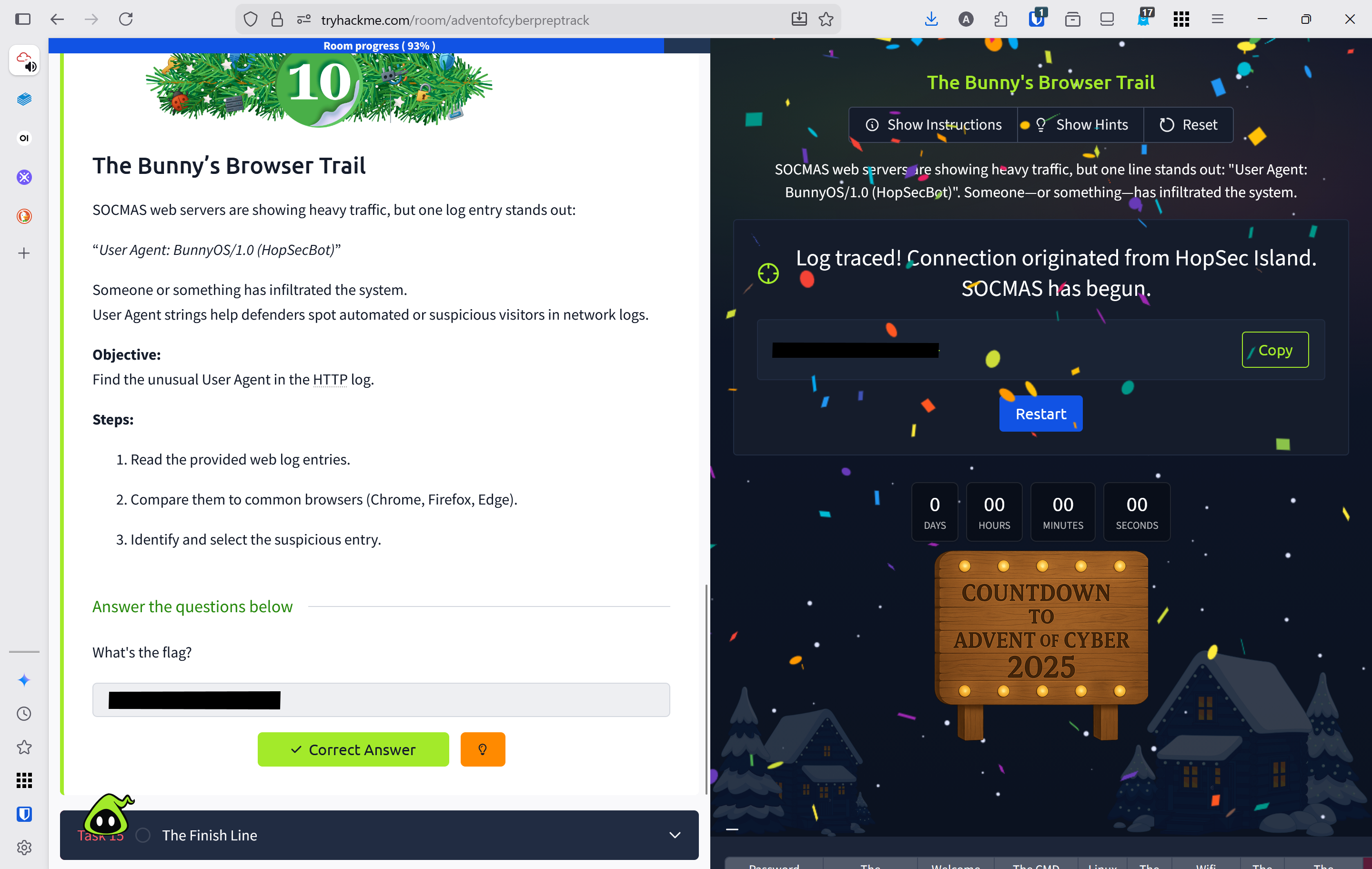
SOCMAS web servers are experiencing unusual traffic spikes, with one suspicious log entry revealing an unfamiliar User Agent: "BunnyOS/1.0 (HopSecBot)". Analyzing User Agent strings is critical for defenders to identify automated attacks and unauthorized visitors within network logs.
Define User Agent
A client application used by an end user, typically for a network protocol such as HTTP or FTP.
Walk Through
- Click view site to open the http web log entries
- Several different user agents accessed this site
Chrome on WindowsSafari on MacOSFirefox on LinuxEdge on WindowsBunnyOS (HopSecBot)Safari on IoS
- Based on this the abnormal agent is
BunnyOSand they accessed/admin/panelaccording to the log.
Lessons Learned
- Learned to analyze HTTP web logs and identify User Agent strings to detect suspicious or automated traffic patterns
- Successfully identified
BunnyOS (HopSecBot)as an anomalous User Agent among legitimate browsers, and discovered it accessed the sensitive/admin/panelendpoint, demonstrating how User Agent analysis reveals unauthorized system intrusions