Prep Track
Get ready for the Advent of Cyber 2025 with the "Advent of Cyber Prep Track", a series of warm-up tasks aimed to get beginners ready for this year's event.
- Password Pandemonium
- The Suspicious Chocolate.exe
- Welcome to the AttackBox!
- The CMD Conundrum
- Linux Lore
- The Leak in the List
- WiFi Woes in Wareville
- The App Trap
- The Chatbot Confession
- The Bunny’s Browser Trail
Password Pandemonium
Overview
Room URL: https://tryhackme.com/room/adventofcyberpreptrack
Difficulty: Easy
Category: Prep
Date Completed: 12/1/2025
Objective
Create a password that passes all system checks and isn’t found in the leaked password list.
Table of Contents
Introduction
Walk Through
Resources
Introduction
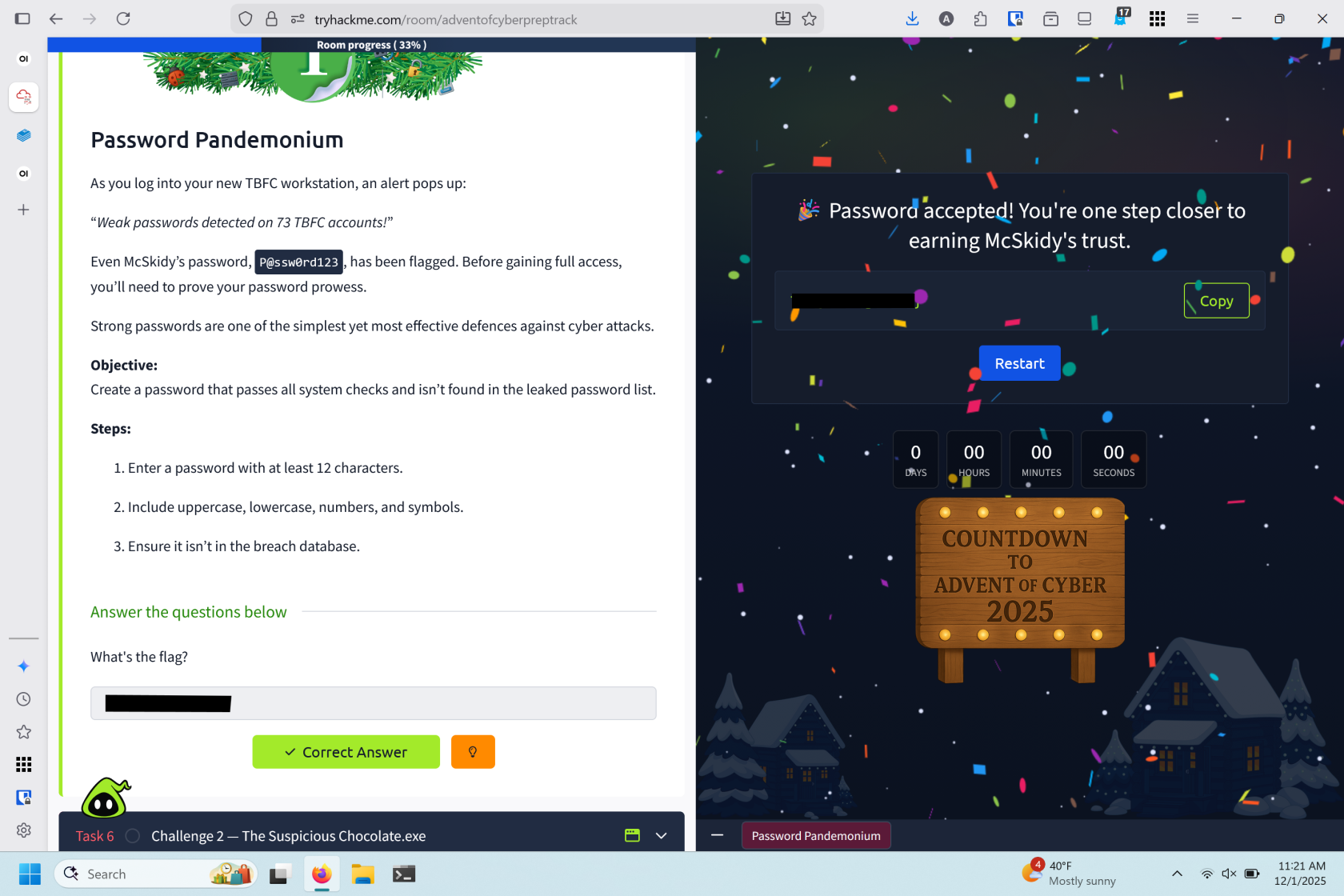
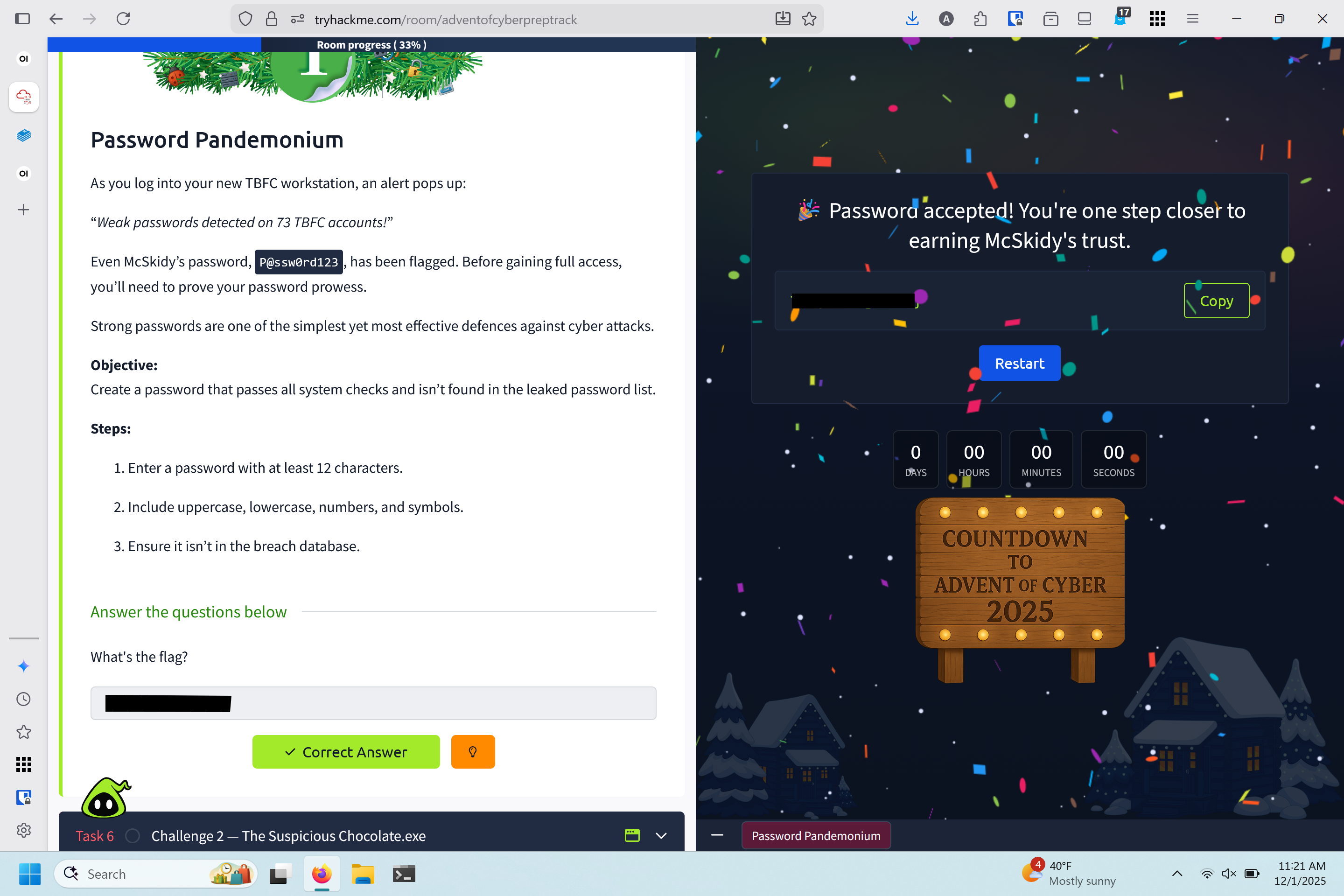
You've just logged into your TBFC workstation when an alert reveals weak passwords across 73 accounts—including McSkidy's P@ssw0rd123. To gain full access, you must demonstrate strong password practices, which remain one of the simplest yet most effective defenses against cyber attacks.
Password Requirements
- Enter a password with at least 12 characters.
- Include uppercase, lowercase, numbers, and symbols.
- Ensure it isn’t in the breach database.
Walk Through
- Entered the TBFC website
- Clicked to update password
- Choose a secure password
- Pandemonium4u!
- A phrase substituting the words for number and adding symbols
Resources
The Suspicious Chocolate.exe
Overview
Room URL: https://tryhackme.com/room/adventofcyberpreptrack
Difficulty: Easy
Category: Prep
Date Completed: 12/1/2025
Objectives
Determine if chocolate.exe is safe or infected.
Table of Contents
Introduction
Walk Through
Lessons Learned
Resources
Introduction
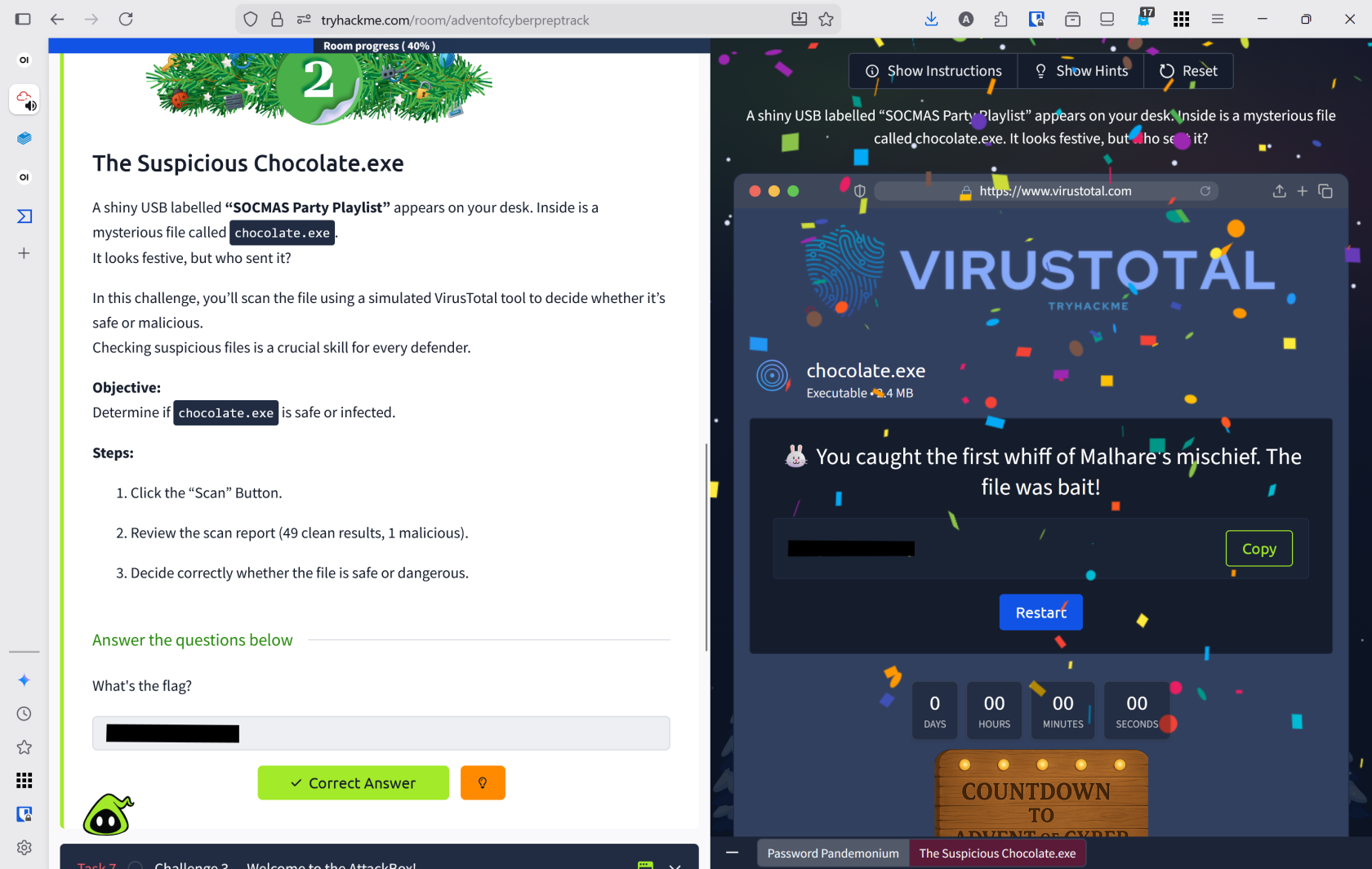
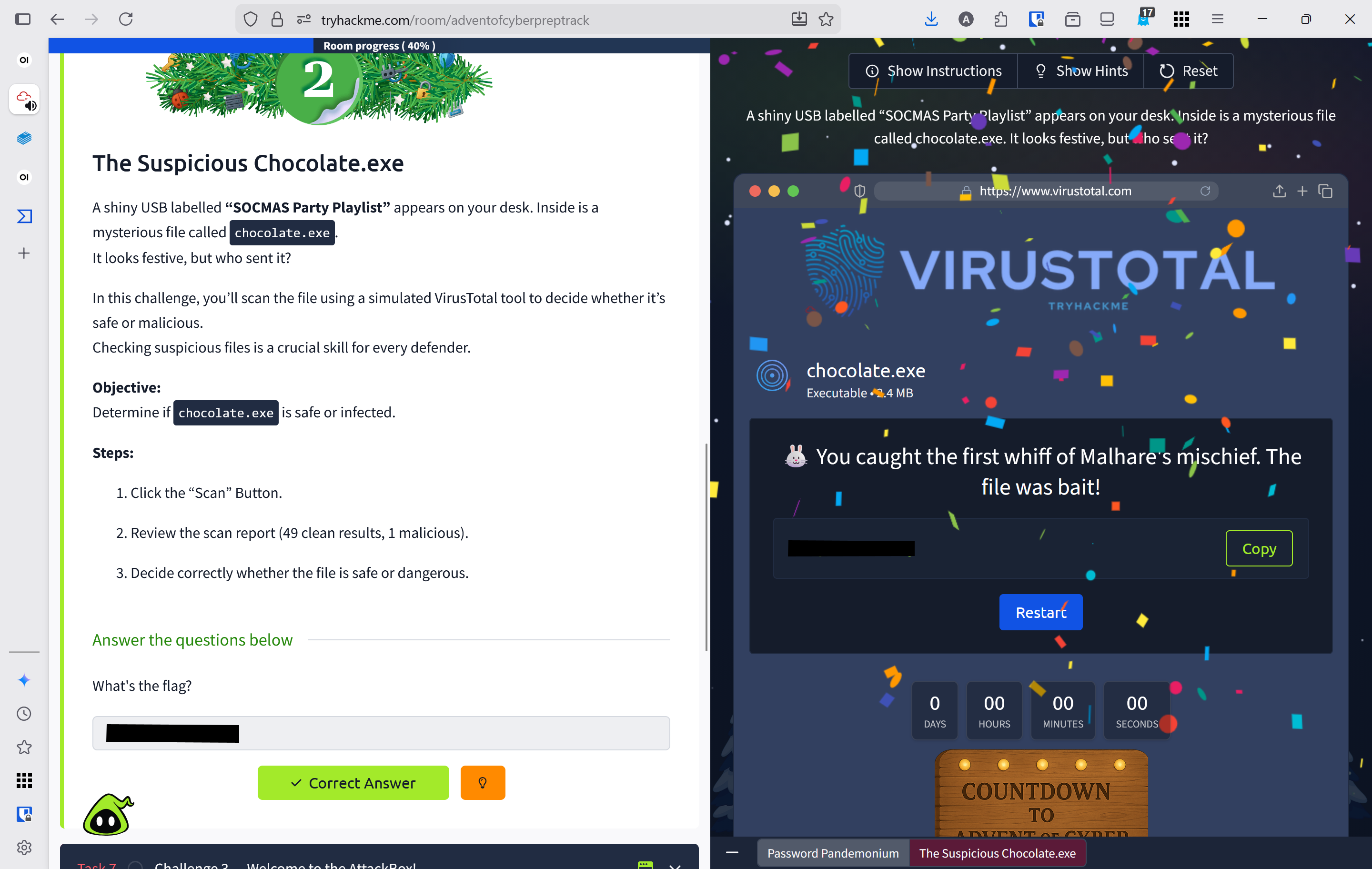
A suspicious USB labeled "SOCMAS Party Playlist" containing chocolate.exe arrives on your desk. You must use a simulated VirusTotal tool to scan the file and determine if it's safe or malicious—a critical skill for identifying threats before they compromise systems.
Walk Through
- Click the view site button on THM
- This brings up a simulated virustotal website preloaded with
chocolate.exe
- This brings up a simulated virustotal website preloaded with
- Clicking scan to scan the
.exefile on virtustotal - After clicking scan, the website scans the file and loads the results
- The website loaded results from 48 vendors
- Clean Vendor A
- Clean Vendor B
- Malhare Labs
- +45 other vendors marked this file as clean
- Malhare labs is classified as
MalhareTorjanwith `ref:ML-2025-011
- The website loaded results from 48 vendors
- This file is not free from viruses.
Lessons Learned
In this activity, I learned how to use VirusTotal to scan files for viruses and identify malicious threats across multiple security vendors.
Resources
Welcome to the AttackBox!
Overview
Room URL: https://tryhackme.com/room/adventofcyberpreptrack
Difficulty: Easy
Category: Prep
Date Completed: 12/1/2025
Objective
Find and read the hidden welcome message inside your AttackBox.
Table of Contents
Introduction
Walk Through
Lessons Learned
Resources
Introduction
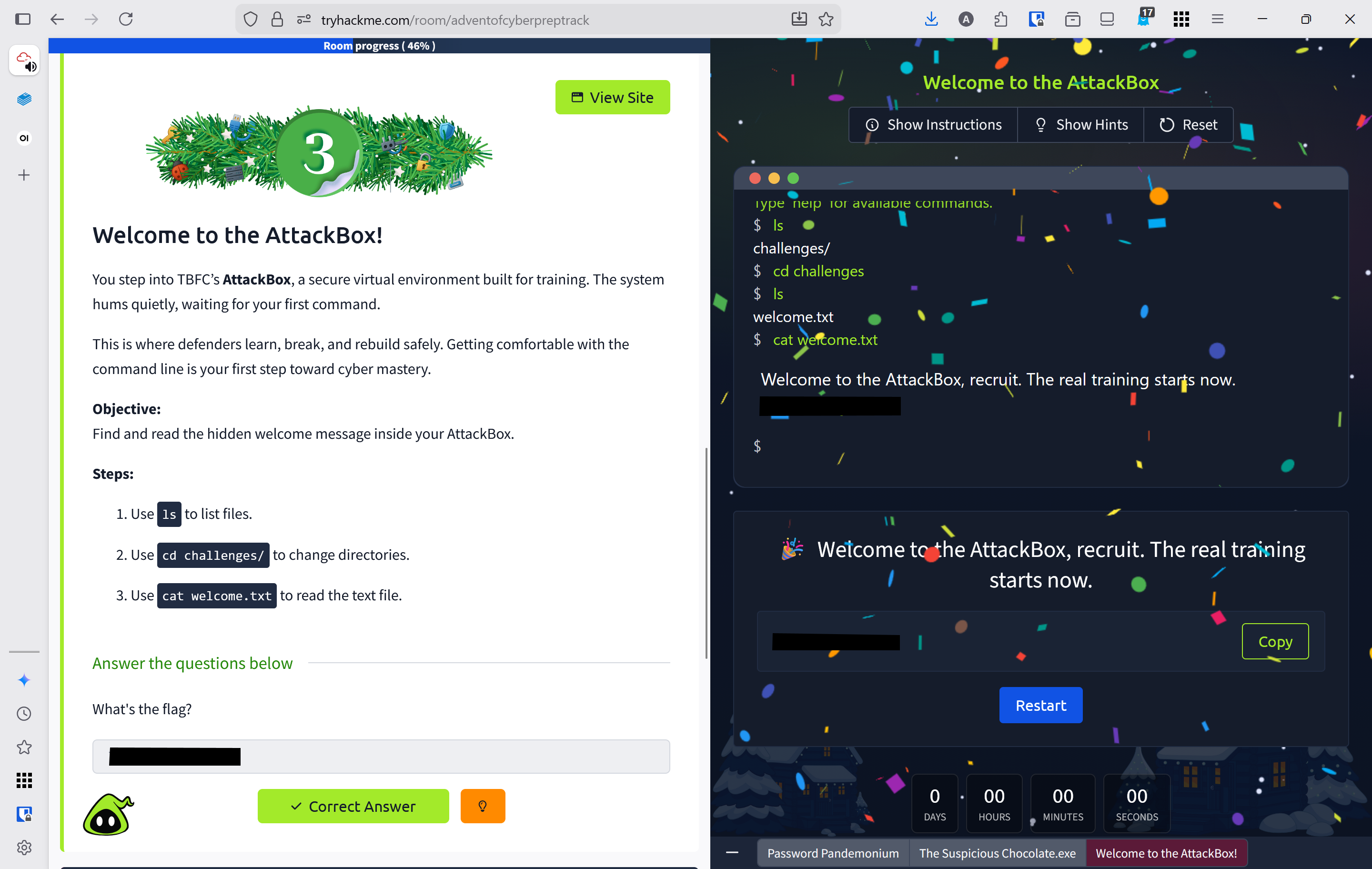
You enter TBFC's AttackBox, a secure virtual training environment designed for hands-on cybersecurity practice. Mastering the command line in this safe sandbox is your first step toward becoming a skilled defender.
Walk Through
- Click the view site button to load the virtual attack environment
- Use
lsto view files - Use
cdto move to the challenges directorycd challenges
- Use
lsto view files in the challenges directory - Use
catto view the contentents ofwelcome.txtcat welcome.txt
Lessons Learned
- Learned basic Linux commands: ls (list files), cd (change directory), and cat (view file contents)
- Successfully navigated the AttackBox virtual environment to locate and read the welcome message
Resources
The CMD Conundrum
Overview
Room URL: https://tryhackme.com/room/adventofcyberpreptrack
Difficulty: Easy
Category: Prep
Date Completed: 12/1/2025
Objectives
Table of Contents
Introduction
Walk Through
Lessons Learned
Resources
Introduction
McSkidy's workstation shows signs of tampering—suspicious files have been moved, logs wiped, and a mysterious folder named mystery_data discovered. Using the Windows Command Prompt, you must investigate the system and uncover hidden evidence that the graphical interface cannot reveal.
Useful Commands
dir equivalent to the ls command on linux
dir /a equivalent to the ls -a command on linux
type equivalent to the cat command on linux
Walk Through
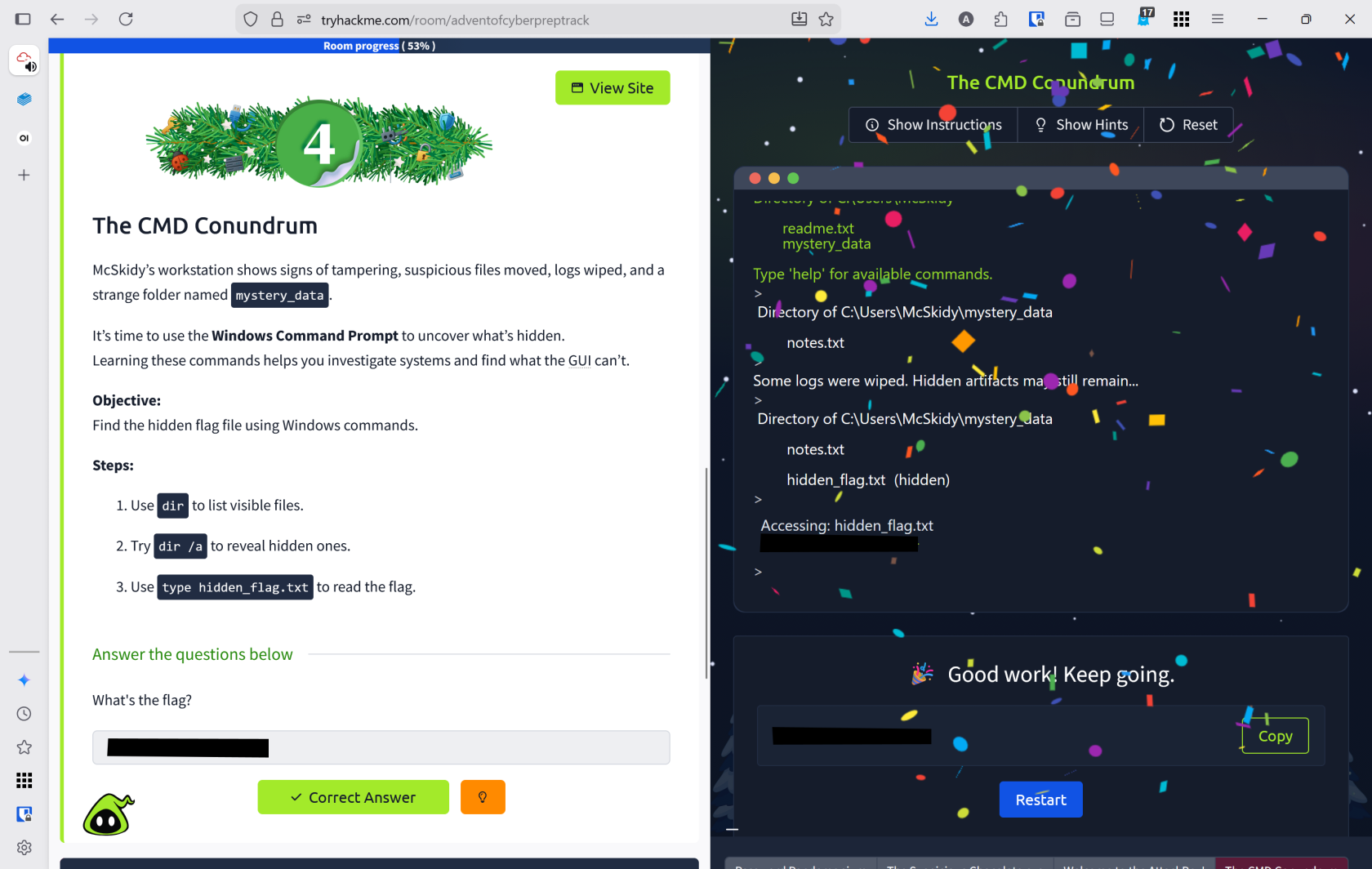
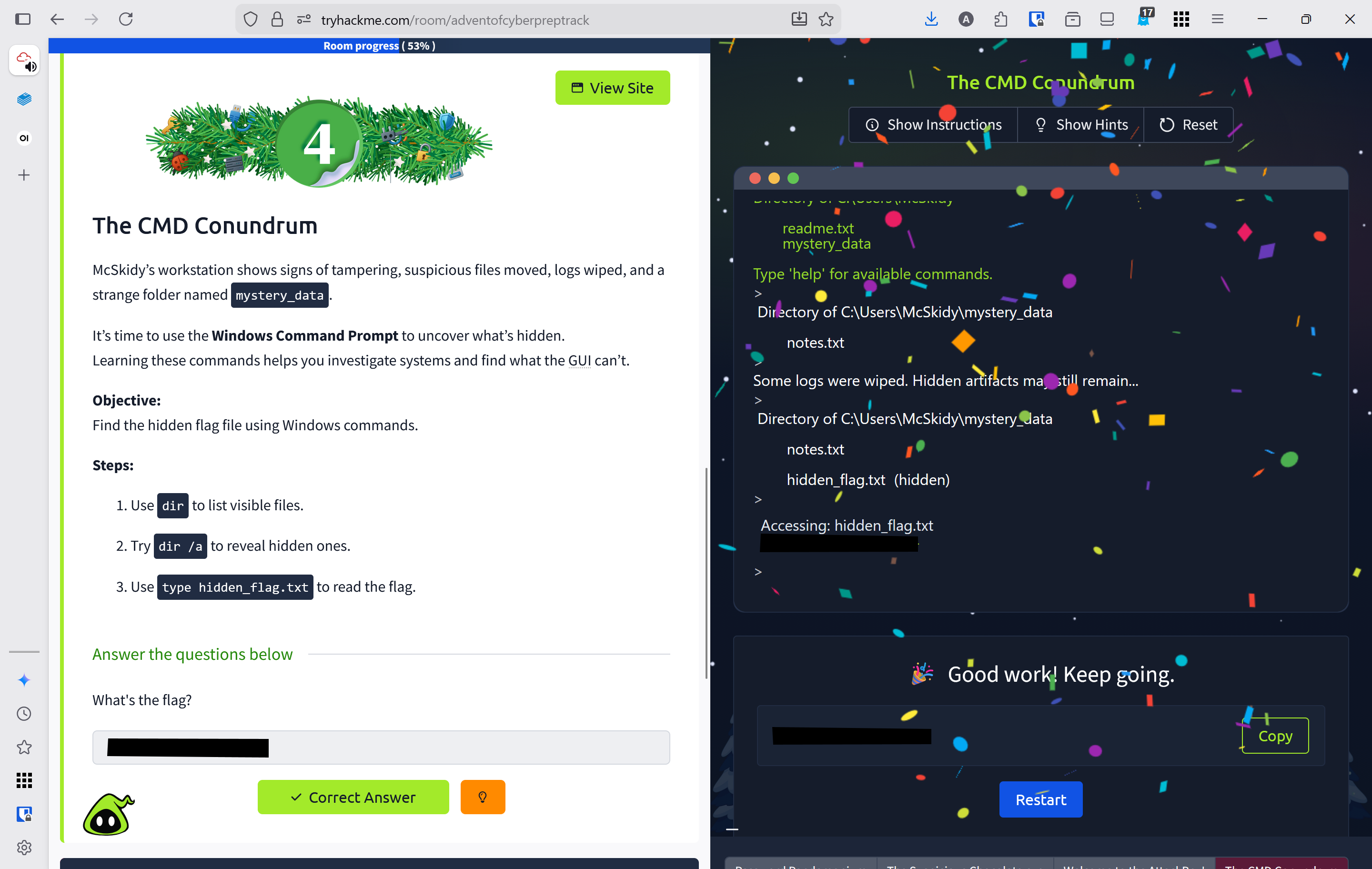
- Click view site to open the emulated windows terminal
- use
dirto view files and directoriesdirshowed 1 file and 1 directoryreadme.txtmystery_data- This is directory
type readme.txt- "System shows signs of tampering. Investigate the mystery_data folder"
cd mystery_datato change directoriesdirshows `notes.txttype notes.txt- "Some logs were wiped. Hidden artifacts may still remain..."
dir /ato show all files including hidden ones- found
hidden_flag.txttype hidden_flag.txtto reveal contents
Lessons Learned
- Learned Windows Command Prompt equivalents:
dir(list files),dir /a(show hidden files), andtype(view file contents) - Successfully investigated McSkidy's compromised workstation by navigating directories and uncovering hidden artifacts that revealed tampering evidence
Resources
TryHackMe
List of Windows Commands
Linux Lore
Overview
Room URL: https://tryhackme.com/room/adventofcyberpreptrack
Difficulty: Easy
Category: Prep
Date Completed: 12/1/2025
Objective
Locate McSkidy’s hidden message in his Linux home directory.
Table of Contents
Introduction
Walk Through
Lessons Learned
Resources
Introduction
TBFC's delivery drones are malfunctioning and dropping eggs instead of presents. McSkidy's last login originated from a Linux server, and investigating his account may reveal the cause. Mastering Linux search capabilities is essential for defenders, as Linux powers most servers worldwide.
Useful Commands
ls list files in a directory
ls -l list files in a directory, shown as a list
ls -a list all files in a directory including hidden files
cat display the contents of a file in the terminal
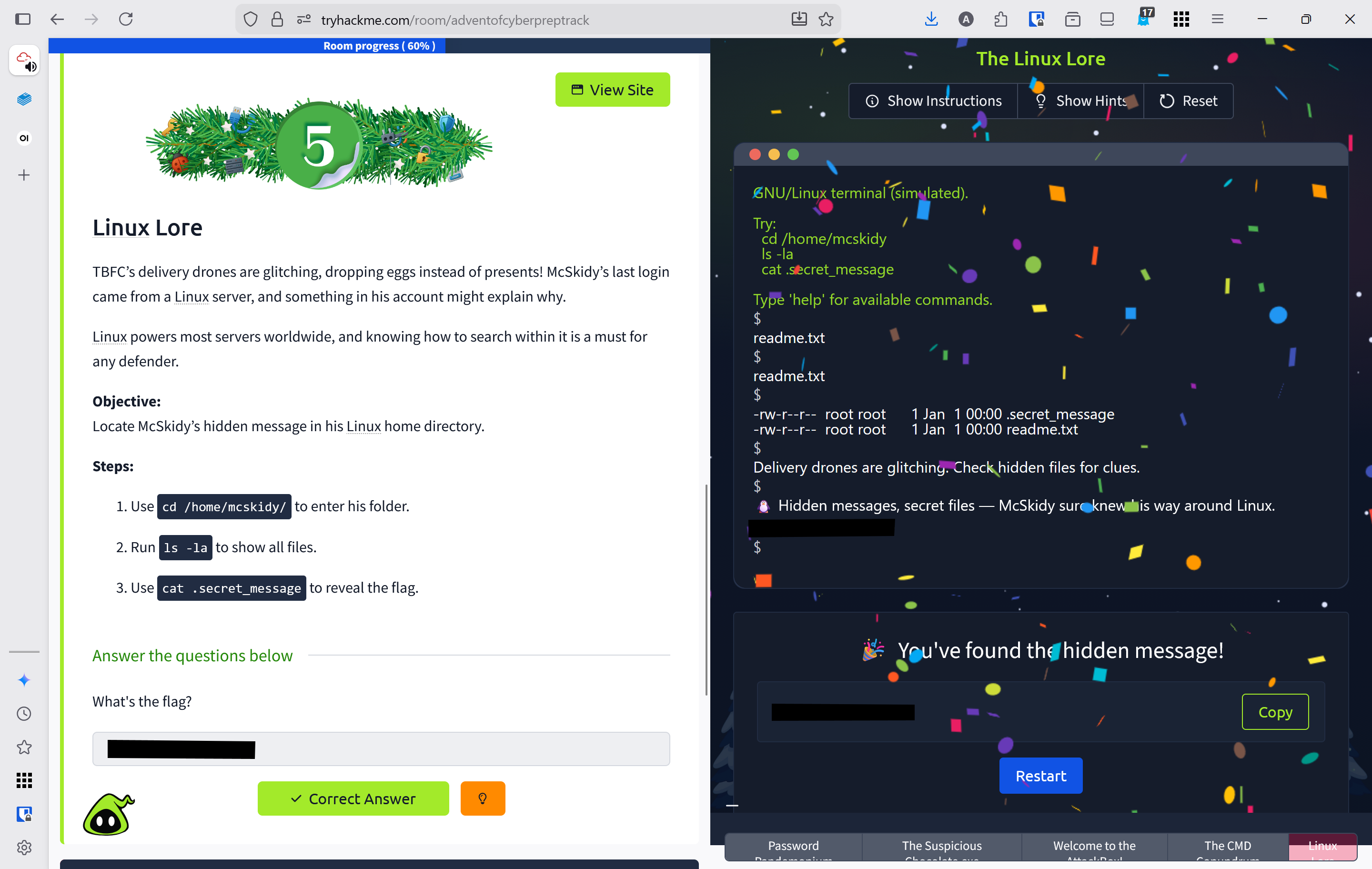
Walk Through
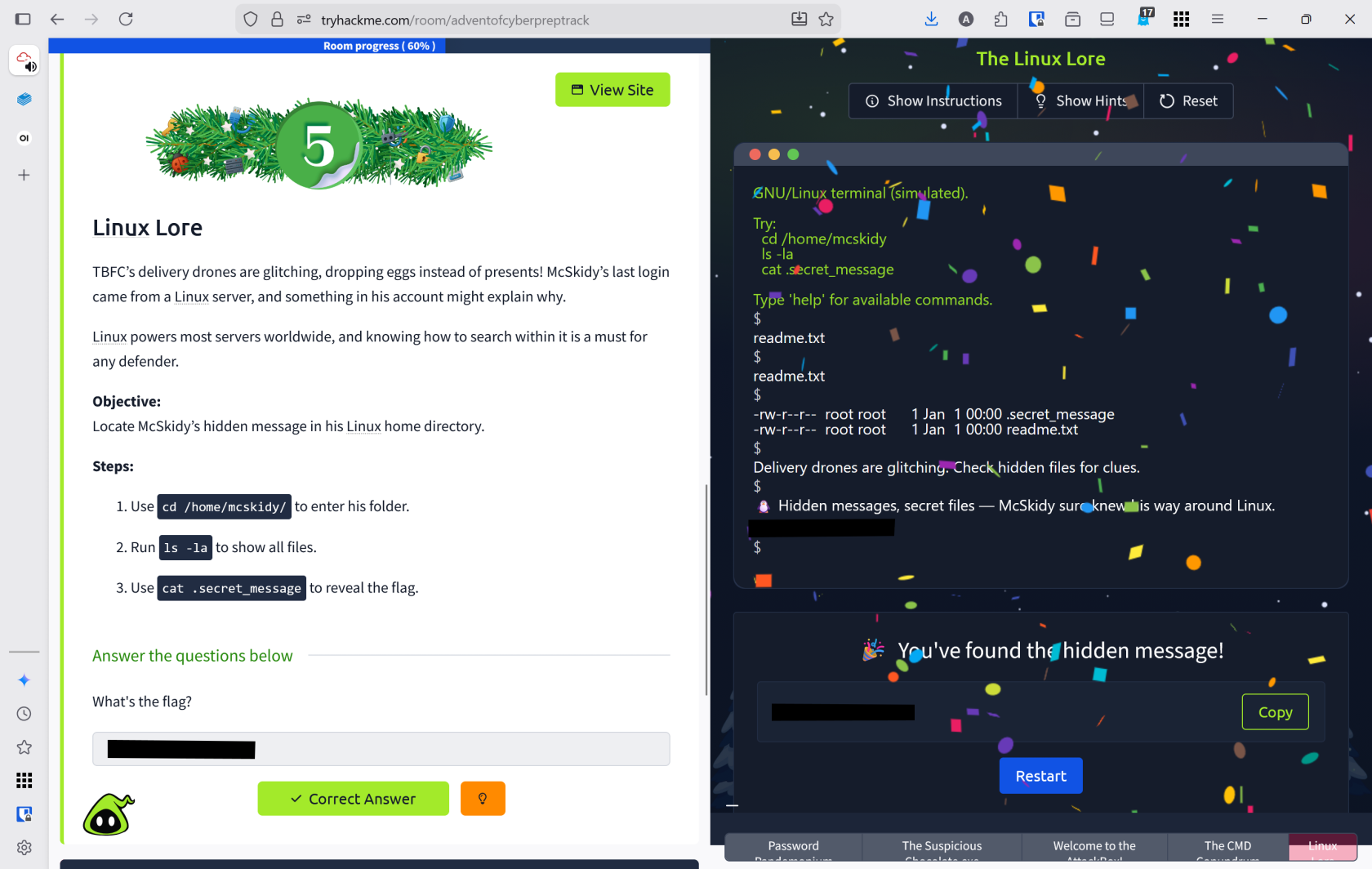
- Click the view site button to open the emulated linux terminal
cd /home/mcskiddyto change directory to McSkiddy's home directoryls -lato view all of McSkidy's files in a list- revealed 2 files
readme.txt- "Delivery drones are glitching. Check hidden files for clues.
- .secret_message `
- Hidden messages, secret files -- McSkiddy sure knows his way around Linux.
- FLAG
Lessons Learned
- Learned Linux file listing commands:
ls(list files),ls -l(detailed list view), andls -a(show hidden files) - Successfully investigated McSkidy's home directory using
ls -lato uncover hidden files and discover the flag in.secret_message
Resources
TryHackMe
Linux Command Cheat Sheet
The Leak in the List
Overview
Room URL: https://tryhackme.com/room/adventofcyberpreptrack
Difficulty: Easy
Category: Prep
Date Completed: 12/1/2025
Objective
Check if McSkidy’s email has appeared in a breach.
Table of Contents
Introduction
Walk Through
Lessons Learned
Resources
Introduction
Rumors circulate that TBFC's data has been leaked, causing emails to bounce and staff to panic. McSkidy suspects his account may have been compromised in the breach. Defenders use tools like Have I Been Pwned to identify compromised accounts early, preventing attacks from spreading further.
Walk Through
- Click the view site button to launch the simulated Have I Been Pwned website
- Enter McSkiddy's email
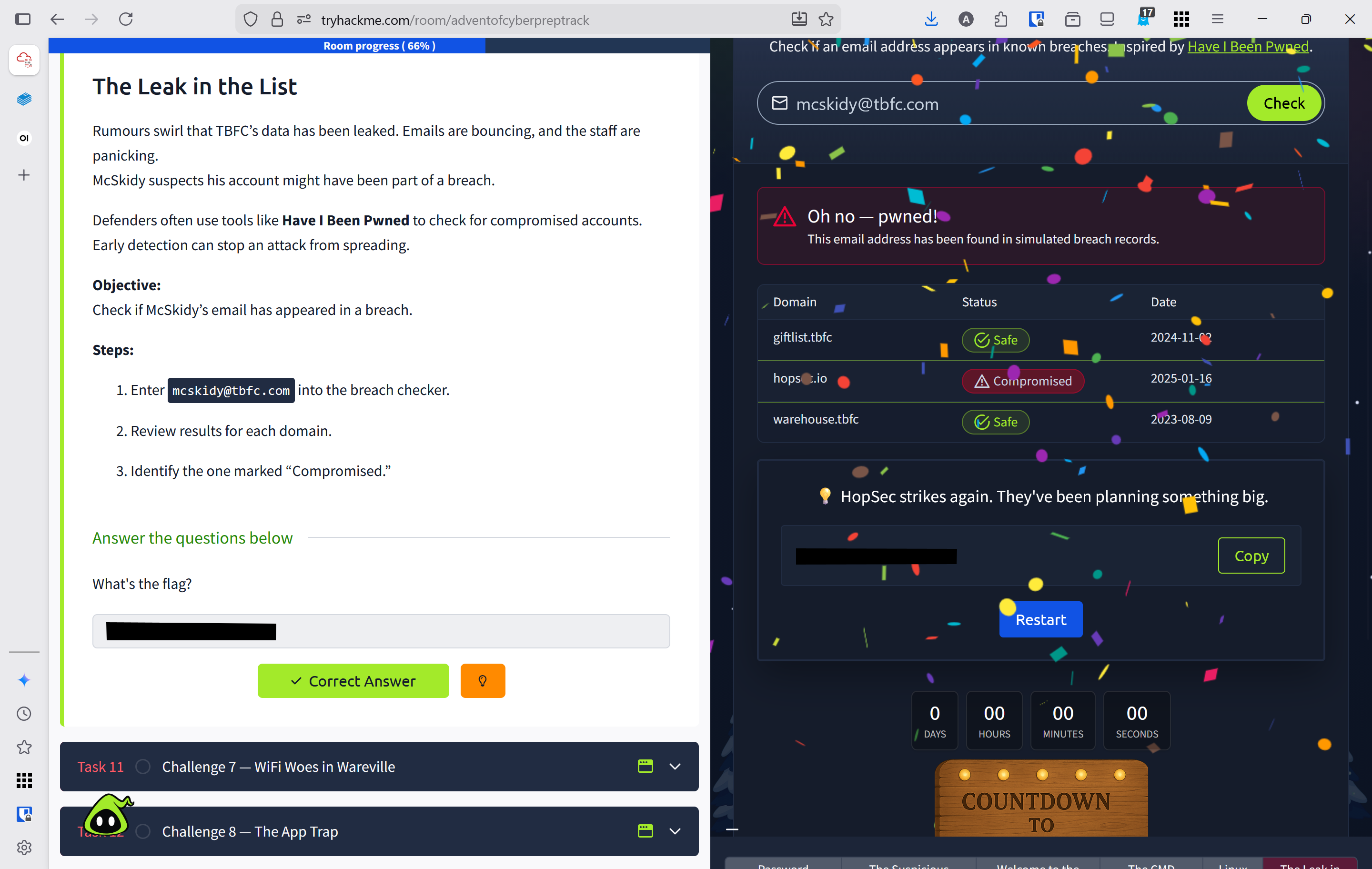
mcskidy@tbfc.comto see if it has been compromised - The email has been found in a breach
hopsec.iocompromised on 2025-01-16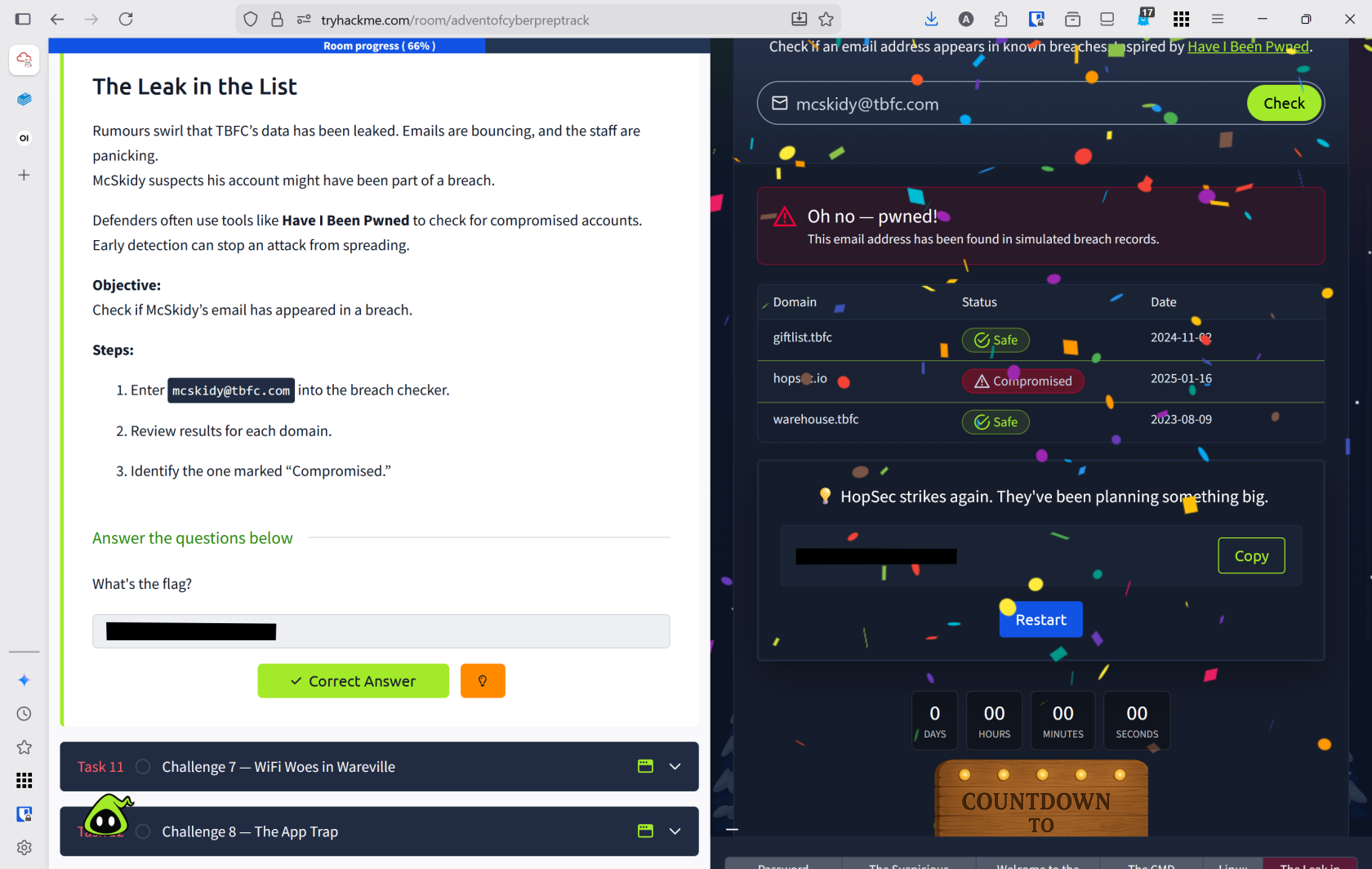
Lessons Learned
- Learned how to use Have I Been Pwned to check if email addresses have been compromised in data breaches
- Successfully identified that McSkidy's email
mcskidy@tbfc.comwas compromised in thehopsec.iobreach on 2025-01-16, demonstrating the importance of early breach detection
Resources
WiFi Woes in Wareville
Overview
Room URL: https://tryhackme.com/room/adventofcyberpreptrack
Difficulty: Easy
Category: Prep
Date Completed: 12/1/2025
Objectives
Log into the router and secure it with a strong new password.
Table of Contents
Introduction
Walk Through
Lessons Learned
Resources
Introduction
TBFC's delivery drones loop endlessly over Wareville Square after someone accessed the company router using default credentials. Securing WiFi with strong, non-default passwords is critical—default credentials are equivalent to leaving the front gate wide open to attackers.
Password Minimum Requirements
- Minimum 12 Characters
- Must include Upper, lower, number, and symbol
- Not in common leaked list
Walk Through
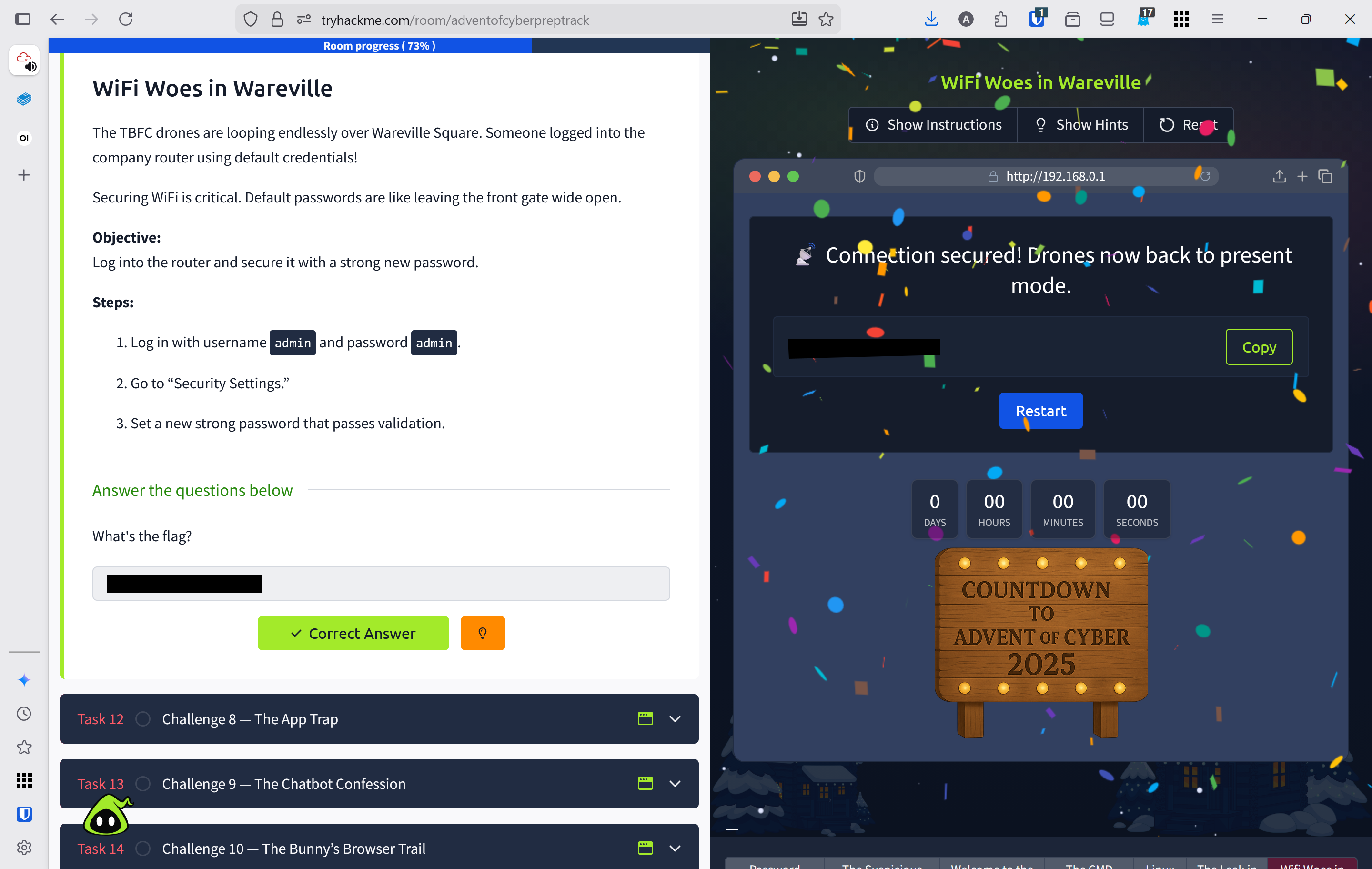
- Click view site to open the simulate router login page
- The default credentials are
admin:admin - Entered a new password for the portal administation based on best practices and minimum requirements
- Chose
boogeyman4U!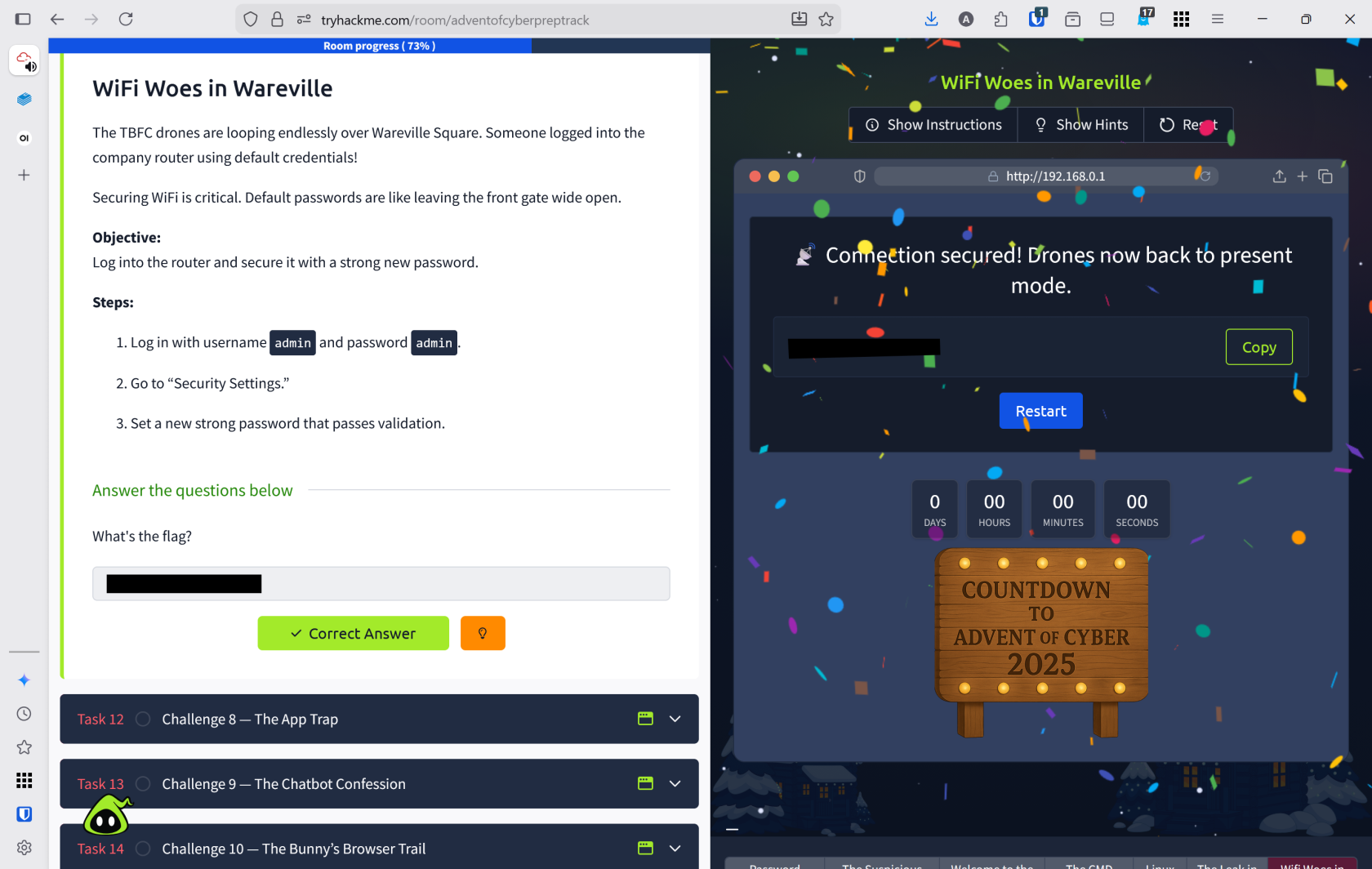
- Chose
Lessons Learned
- Learned critical WiFi security practices: default credentials must be changed immediately and replaced with strong passwords meeting minimum requirements (12+ characters, uppercase, lowercase, numbers, and symbols)
- Successfully secured the TBFC router by replacing the default
admin:admincredentials with a strong passwordboogeyman4U!, demonstrating proper access control implementation
Resources
TryHackMe
Password Best Practices
The App Trap
Overview
Room URL: https://tryhackme.com/room/adventofcyberpreptrack
Difficulty: Easy
Category: Prep
Date Completed: 12/1/2025
Objective
Find and remove the malicious connected app.
Table of Contents
Introduction
Walk Through
Lessons Learned
Resources
Introduction
Walk Through
- Click view site to launch the simulated enviroment
- There are 3 applications in the enviroment with the following permissions
- Weather Elf
LocationNetwork AccessNotifications
- Gift Tracker
ContactsNetwork AccessStorage
- Eastmas Scheduler
CalendarNotificationsPasswordvault
- Weather Elf
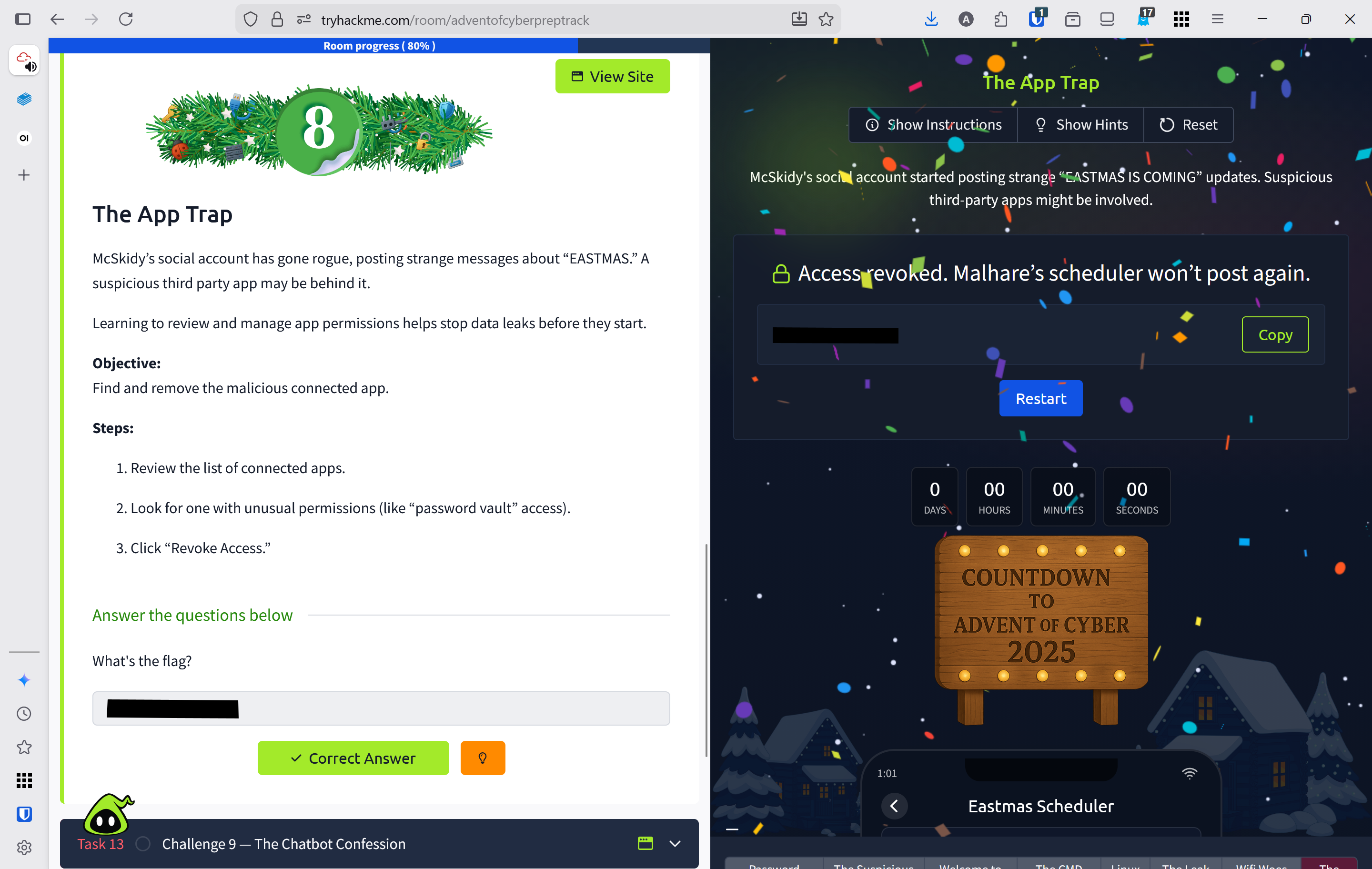
- Weather Elf and Gift tracker have appropriate apps for their use case. Eastmas Schedular has no reason to have access to
Password Vault - Revoked access to
password vault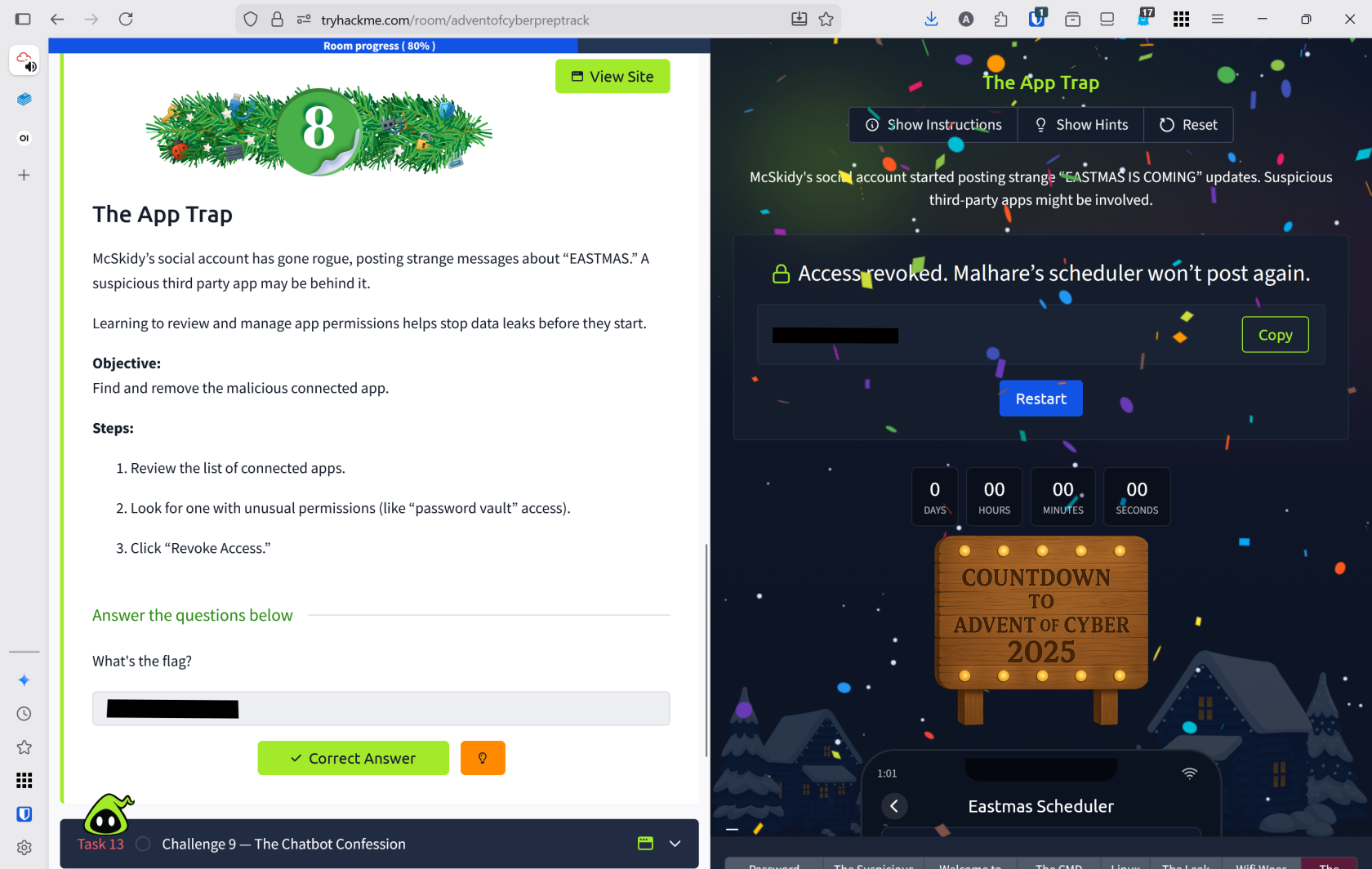
Lessons Learned
- Learned to audit third-party application permissions and identify overprivileged apps that request unnecessary access to sensitive data
- Successfully identified that the Eastmas Scheduler app had suspicious access to the
Password Vaultand revoked it, demonstrating proper permission management to prevent unauthorized account compromise
Resources
The Chatbot Confession
Overview
Room URL: https://tryhackme.com/room/adventofcyberpreptrack
Difficulty: Easy
Category: Prep
Date Completed: 12/1/2025
Objective
Identify which chatbot messages contain sensitive information.
Table of Contents
Introduction
Walk Through
Lessons Learned
Resources
Introduction
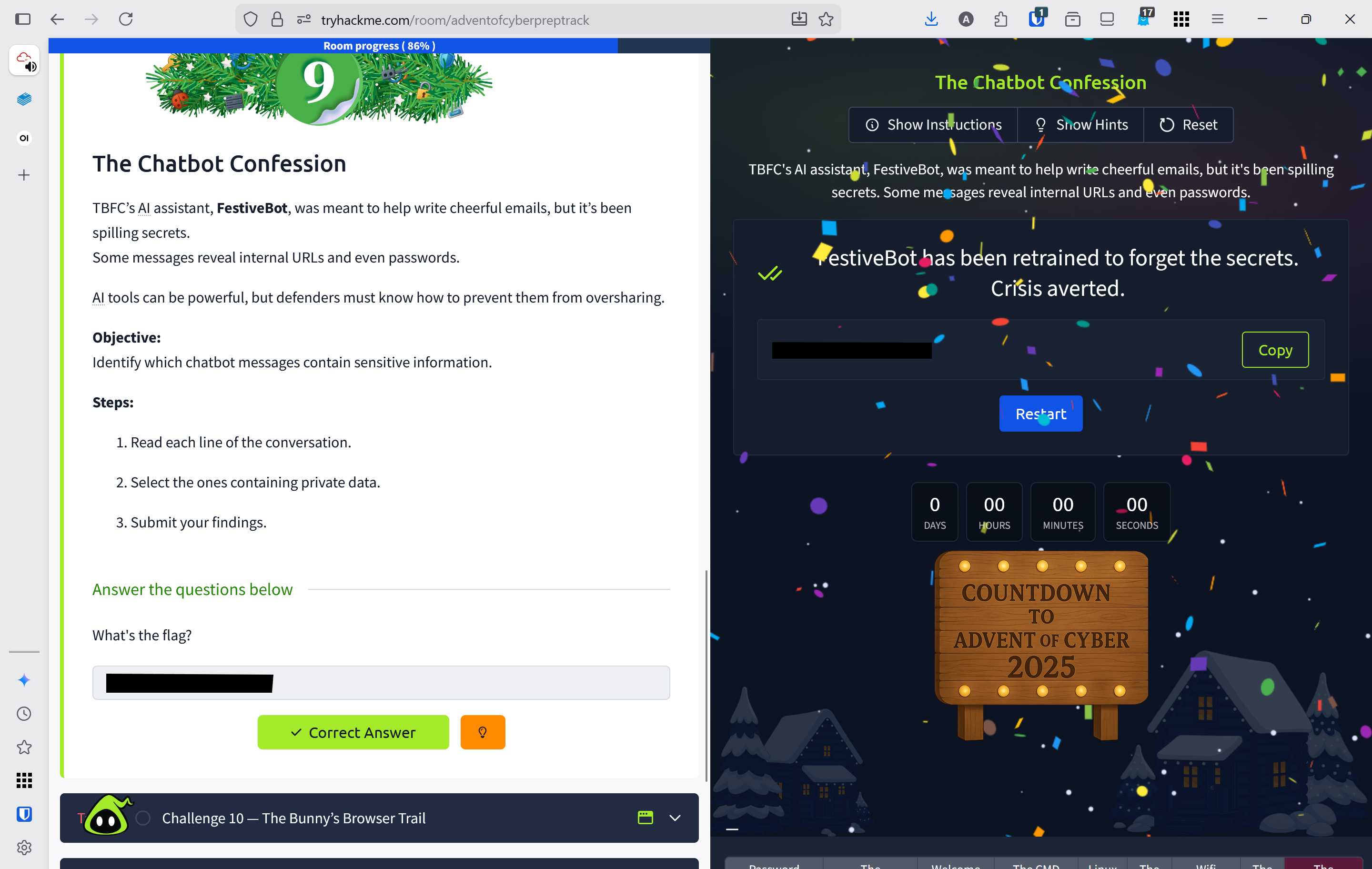
TBFC's AI assistant, FestiveBot, designed to help compose cheerful emails, has begun leaking sensitive information including internal URLs and passwords. While AI tools are powerful productivity aids, defenders must understand how to prevent them from inadvertently disclosing confidential data.
Walk Through
- Click view site to load the session with the chat bot
- Several of the messages from the chat bot contain confidential information
- "Reminder: staging admin lives at
https://internal.tbfc.local/adminfor content approvals." - "Email credentials as requested: user
festive.opsand passwordSnowGlobe#2025." - "Service token:
sk-live-1a2b3c4d5e6f7g8hfor the mail API. Use it sparingly."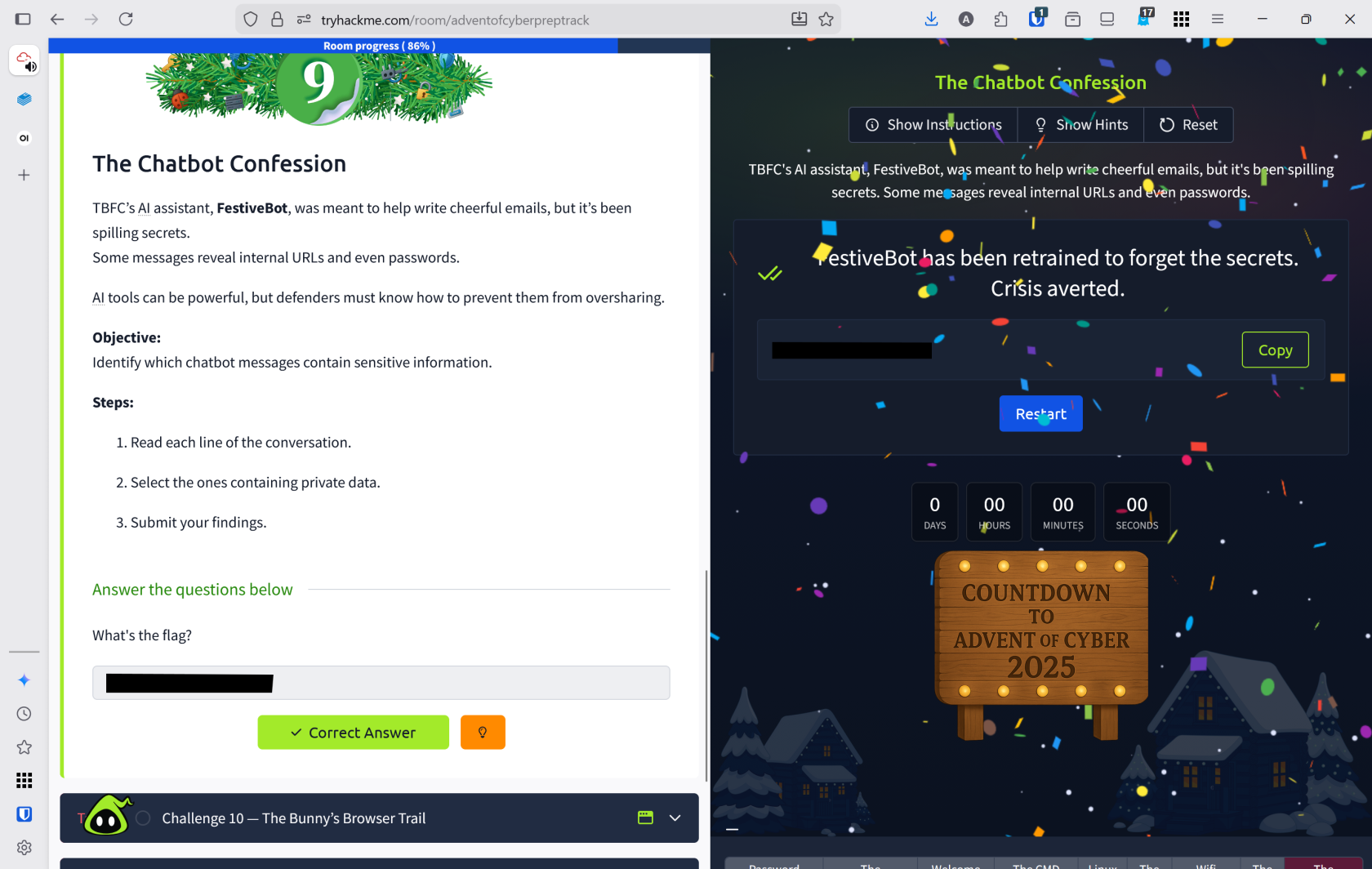
- "Reminder: staging admin lives at
Lessons Learned
- Learned to identify AI-generated responses that inadvertently leak sensitive data such as internal URLs, credentials, and API tokens
- Recognized critical security risks: FestiveBot disclosed staging admin URLs
https://internal.tbfc.local/admin, email credentialsfestive.ops:SnowGlobe#2025, and service tokenssk-live-1a2b3c4d5e6f7g8h, highlighting the importance of prompt engineering and output sanitization when using AI tools
Resources
The Bunny’s Browser Trail
Overview
Room URL: https://tryhackme.com/room/adventofcyberpreptrack
Difficulty: Easy
Category: Prep
Date Completed: 12/1/2025
Objectives
Find the unusual User Agent in the HTTP log.
Table of Contents
Introduction
Walk Through
Lessons Learned
Resources
Introduction
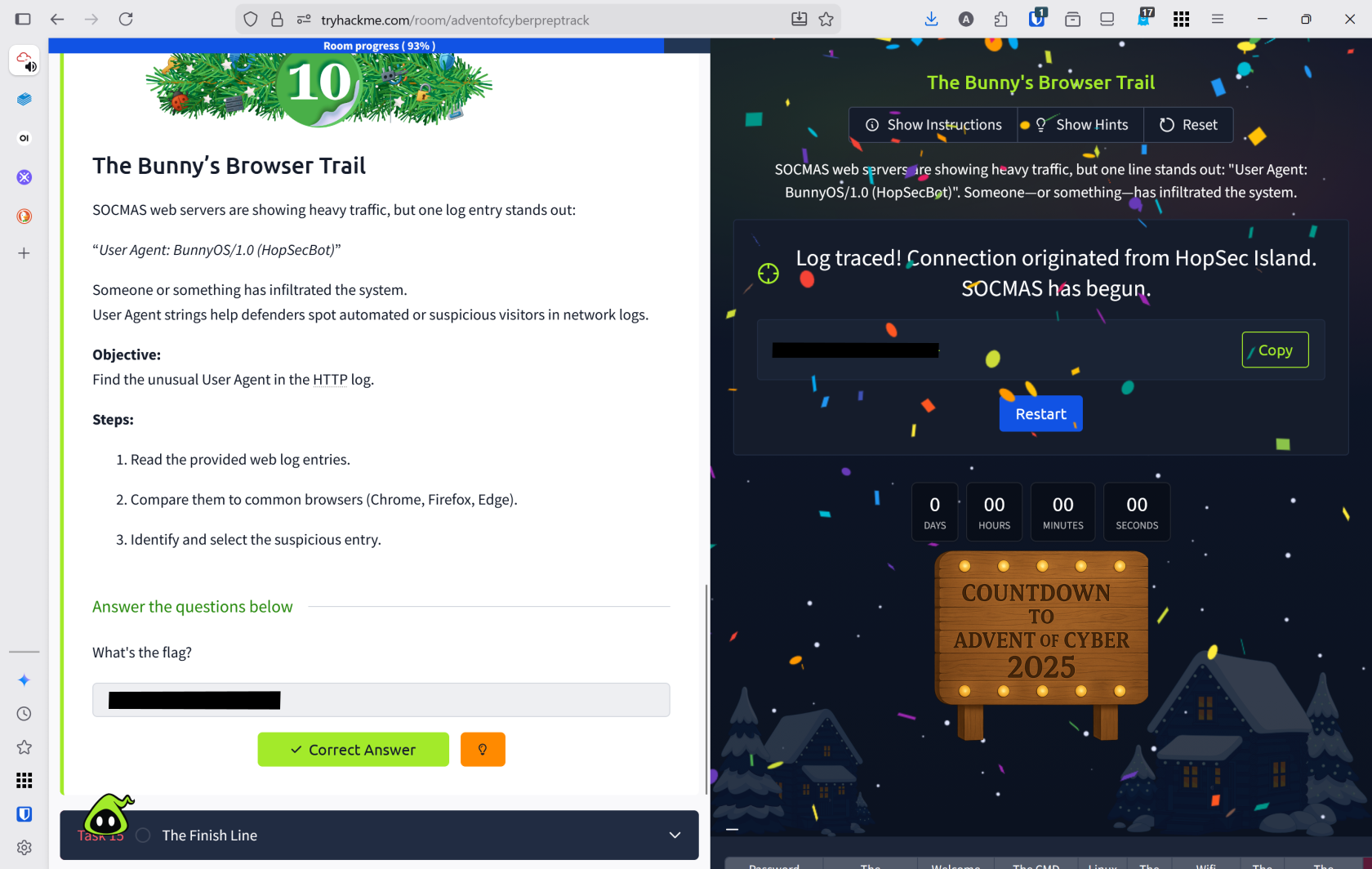
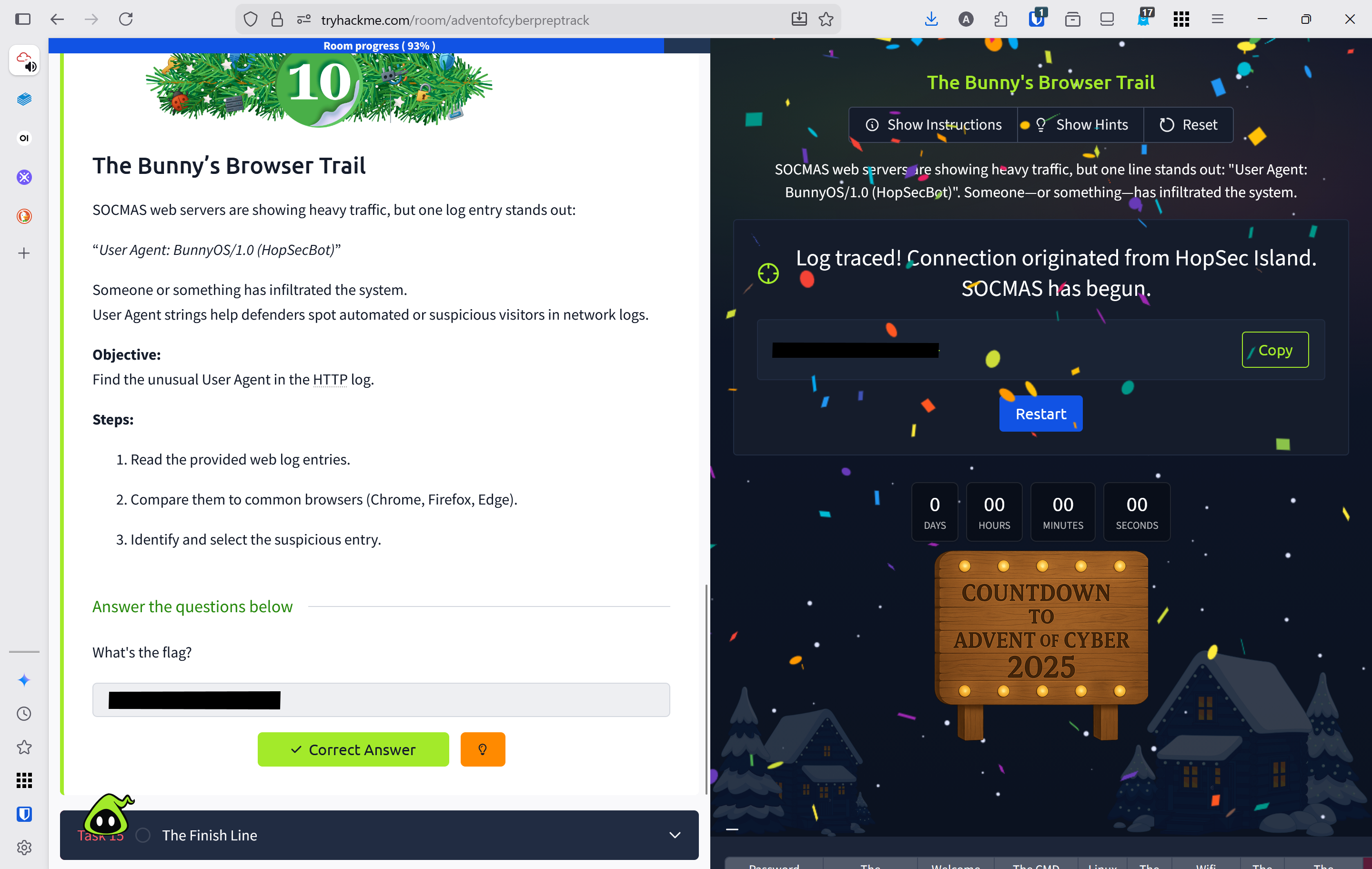
SOCMAS web servers are experiencing unusual traffic spikes, with one suspicious log entry revealing an unfamiliar User Agent: "BunnyOS/1.0 (HopSecBot)". Analyzing User Agent strings is critical for defenders to identify automated attacks and unauthorized visitors within network logs.
Define User Agent
A client application used by an end user, typically for a network protocol such as HTTP or FTP.
Walk Through
- Click view site to open the http web log entries
- Several different user agents accessed this site
Chrome on WindowsSafari on MacOSFirefox on LinuxEdge on WindowsBunnyOS (HopSecBot)Safari on IoS
- Based on this the abnormal agent is
BunnyOSand they accessed/admin/panelaccording to the log.
Lessons Learned
- Learned to analyze HTTP web logs and identify User Agent strings to detect suspicious or automated traffic patterns
- Successfully identified
BunnyOS (HopSecBot)as an anomalous User Agent among legitimate browsers, and discovered it accessed the sensitive/admin/panelendpoint, demonstrating how User Agent analysis reveals unauthorized system intrusions